This guide will help you to unrated DLC in TORMENTOR.
Unrated DLC
https://store.madmind-studio.com/product/tormentor-unrated-dlc-067f7702-09b4-4486-82c9-c4cae0aab50f
How to install the file:
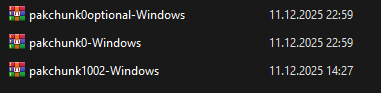
1. Download the pakchunk1002-Windows.pak file.
2. Copy the downloaded pakchunk1002-Windows.pak file into the Paks folder:
C:\Program Files (x86)\Steam\steamapps\common\TORMENTOR\Tormentor\Content\Paks
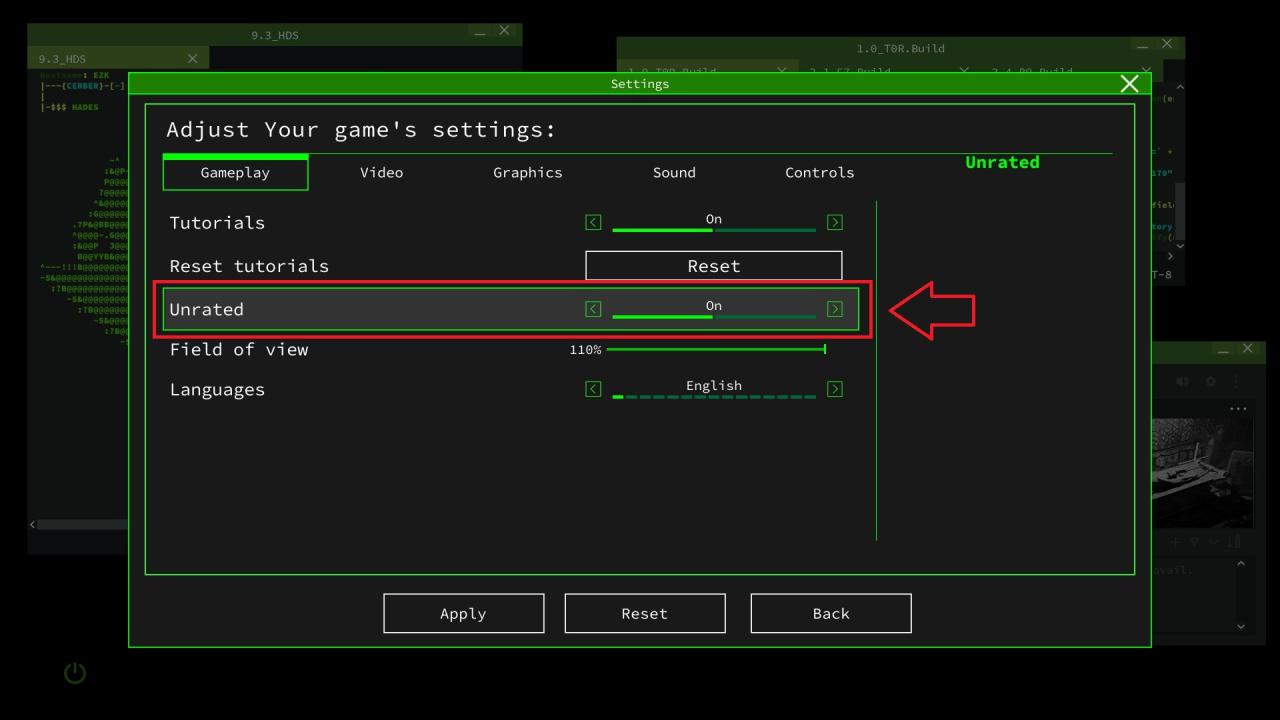
3. Launch the game, go to Settings in the main menu, and toggle the Unrated option on or off.