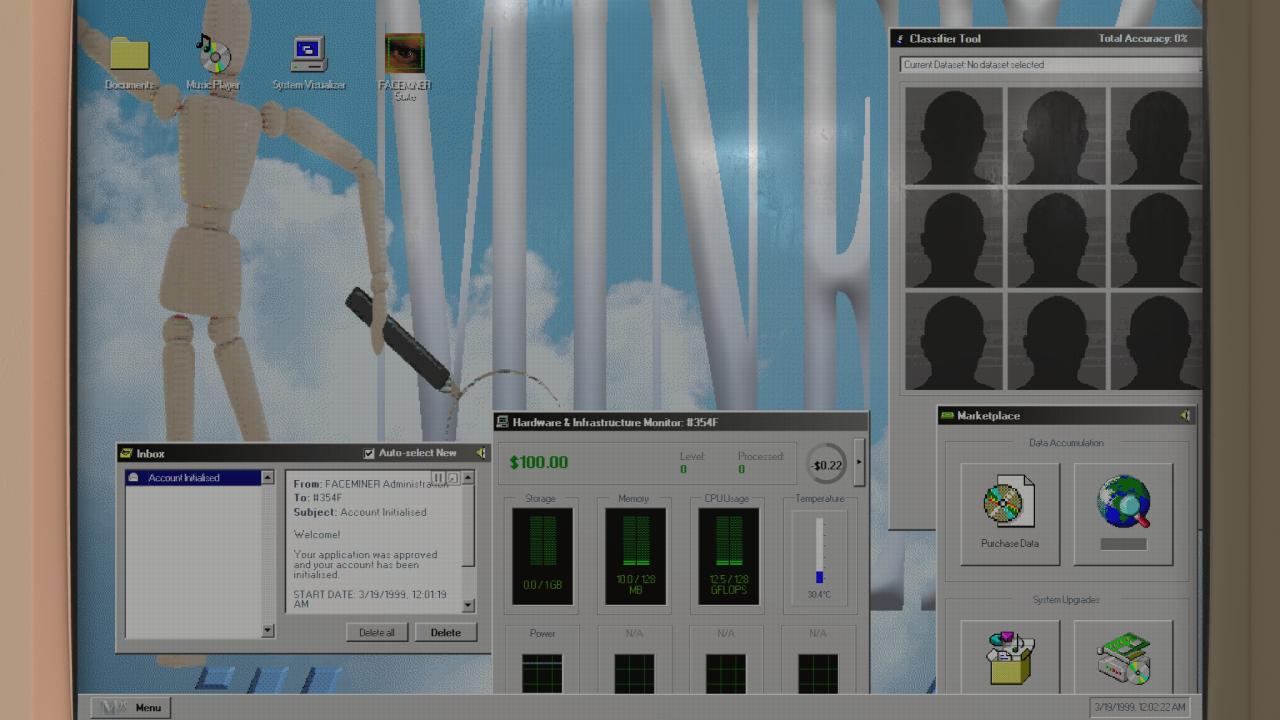
A Guide on adding custom images/backgrounds :}
The tutorial.
So first you are gonna wanna right click Faceminer in your library and go to manage and browse local files. then your gonna wanna open folders in this specific order
C:\Program Files (x86)\Steam\steamapps\common\FACEMINER\resources\app\out-resources\img
{ignore everything before FACEMINER}
Then you should see the Backgrounds and a few other assets open them in MS Paint and right click file in the corner and “import to canvas”
Choose your background you wanna add and make it line up over the original background
then press file again then “save”
Now if you start a New game it should replace the background ingame with your custom one
{I Hope this Helped :} }
theres also a few more images you can mess with like the tutorial guy and others {heres a background i made with random assets i found in the game}