
This guide covers the God Mode cheat codes in The Legend of Fancy Realm Remake, the ones carried over from the original release and ported into the remake. If you’re the kind of player who likes to tinker with a game after finishing it properly — or you just want to bulldoze through a section that’s giving you trouble — these keys are for you.
I put this together because the original info floating around is scattered and a little misleading in one specific spot. The table below is accurate, and I’ve added a note on how F5 and F6 actually target characters in combat, since that trips up almost everyone the first time.
About These Codes
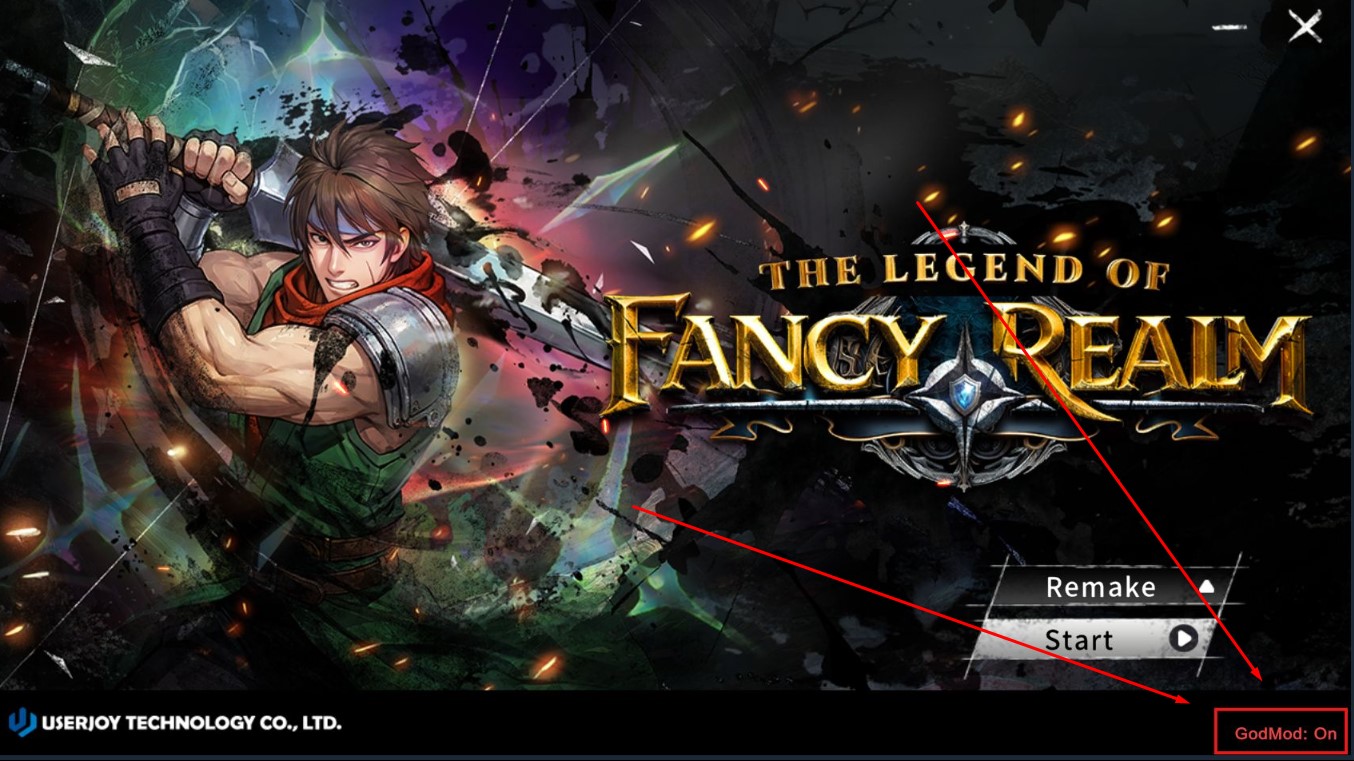
This is a cheat engine ported over from the old version of the game. Since The Legend of Fancy Realm Remake is single-player, turning on god mode isn’t really cheating — it’s aggressive time management. You’re playing alone, so there’s no one to impress and no leaderboard to protect. If you want to experience the story without grinding, or you’ve already beaten the game once and just want to mess around, go for it. The only person affected by these keys is you.
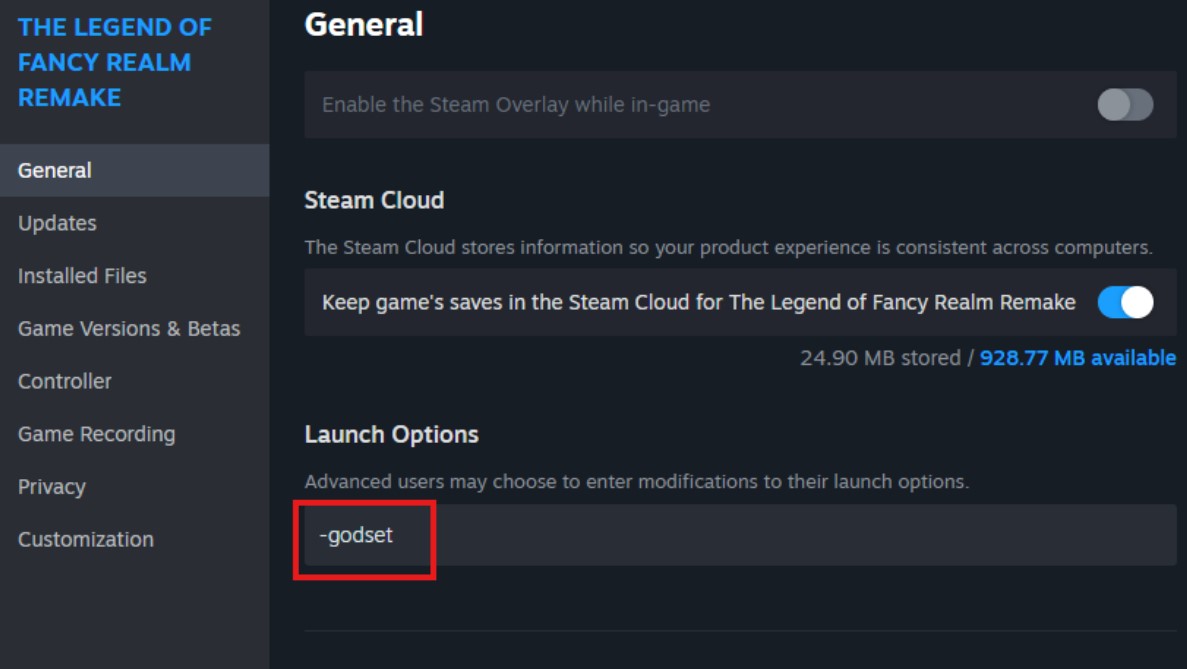
Be aware that most of these are toggles or stacked presses, so mashing a key you meant to tap once can push a character’s level or your coin count further than you intended. I always check the current state before hammering a key again.
Battle Field Commands
All of these work during battle, and the key you press determines exactly what happens. Here’s the full list.
| Button | Effect | My Rating |
|---|---|---|
| F4 | Toggles one-hit kill on/off. It only takes effect when your side attacks. | Essential |
| F5 | Fully restores HP, MP, and ST for the character currently taking action. Works on both allies and enemies. | Essential |
| F6 | Sets the acting character’s HP to 1 and MP and ST to 0. Also works on both allies and enemies. | Optional |
| F7 | The first press levels the character up directly; each press after that adds 100 EXP. | Optional |
| F8 | Each press adds 10,000 coins. | Essential |
| F9 | Instantly wins the battle. If a special mission’s conditions are met, it also completes those objectives. | Essential |
How F5 and F6 Actually Target Characters
This is the part that confuses people, and it’s worth reading before you use either key. F5 and F6 don’t act on whoever you’re currently looking at in the menu — they act on whoever is currently taking their turn in battle.
So if it’s your main character’s turn and you open an enemy’s status screen, pressing F5 or F6 still changes your main character’s HP and MP, not the enemy’s. If you actually want to drop an enemy’s HP to 1, you have to wait until that enemy’s turn comes up and hit F6 then. I learned this the hard way after wondering why my “enemy debuff” kept healing my own party.
Keep that timing in mind whenever you’re juggling these two keys mid-fight, and everything else in the table behaves exactly as described. For anyone who wants a fuller look at the game outside of cheats, there’s a solid complete walkthrough worth keeping on hand.
Thanks to King for contributing part of this information.
Conclusion
These codes are a fun way to bend the game to your will once you know the timing quirks. Use them however you like — it’s your playthrough, and there’s nobody to answer to but yourself.