
This guide will show you how to gain full military access via editing the Notepad. This is good for creating a mod with alliances.
Open file, copy and paste
“C:\Program Files (x86)\Steam\steamapps\common\Making History SWW\content\mods\NAMEOFMOD\modules\game\NAMEOFMOD\objGameSysNationRelations.xml”
Copy and paste this below into the text file:
</object>
<object type=”gs_tbg.AccessAgreement” name=”objAccessAgreements”>
<property name=”refGrantingNation” value=”NameOfTheCountry“/>
<property name=”refReceivingNation” value=”NameOfTheCountry“/>
<property name=”bLandAccess” value=”true”/>
<property name=”bSeaAccess” value=”true”/>
<property name=”bAirAccess” value=”true”/>
<property name=”bPortAccess” value=”true”/>
</object>
Hopefully that helps. My example is below:
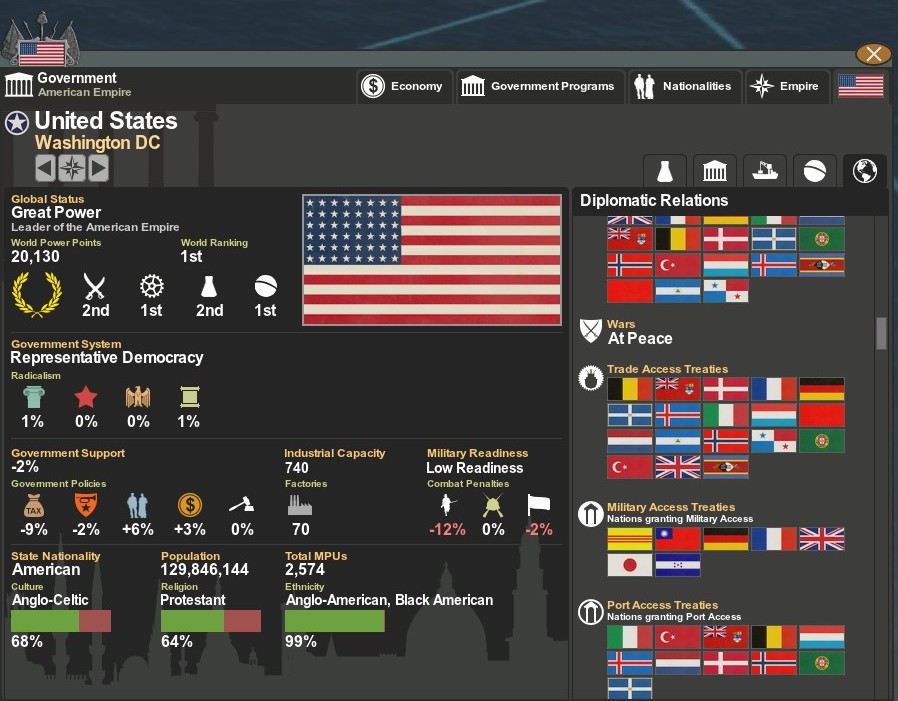
For former colonies and protectorates, you will have to use the original country tag. For example, I have South Vietnam, therefore I would have to use French Indochina. Example is below:
<property name=”refGrantingNation” value=”FrenchIndochina”/>
<property name=”refReceivingNation” value=”UnitedStates”/>
Feel free to comment with questions and recommendations!