
Easy step by step guide on how to play halfsword splitscreen with either co-op mode or vs mode.
do this stuff first
keyboard and mouse for player one, a controller for player two
open Halfsword, connect player 2’s controller to your pc
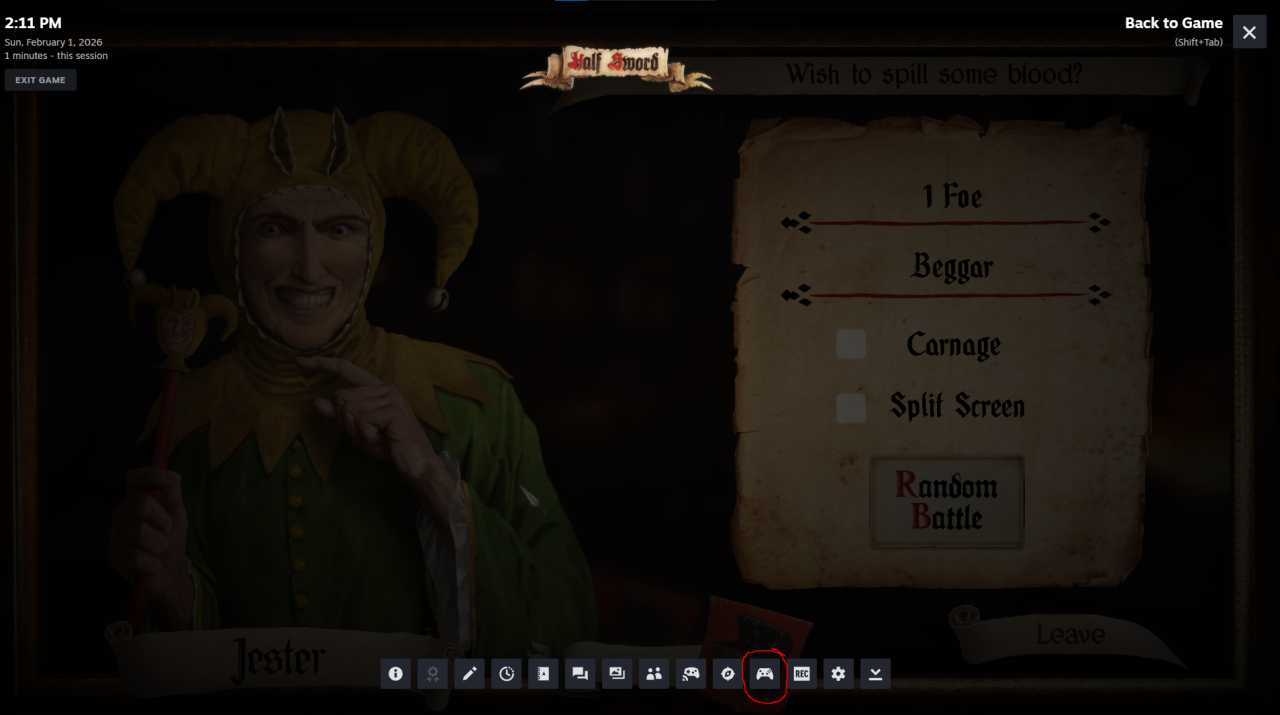
anywhere in halfsword, press shift+tap to open steam menu, then press “Controller Settings” (circled in red below)
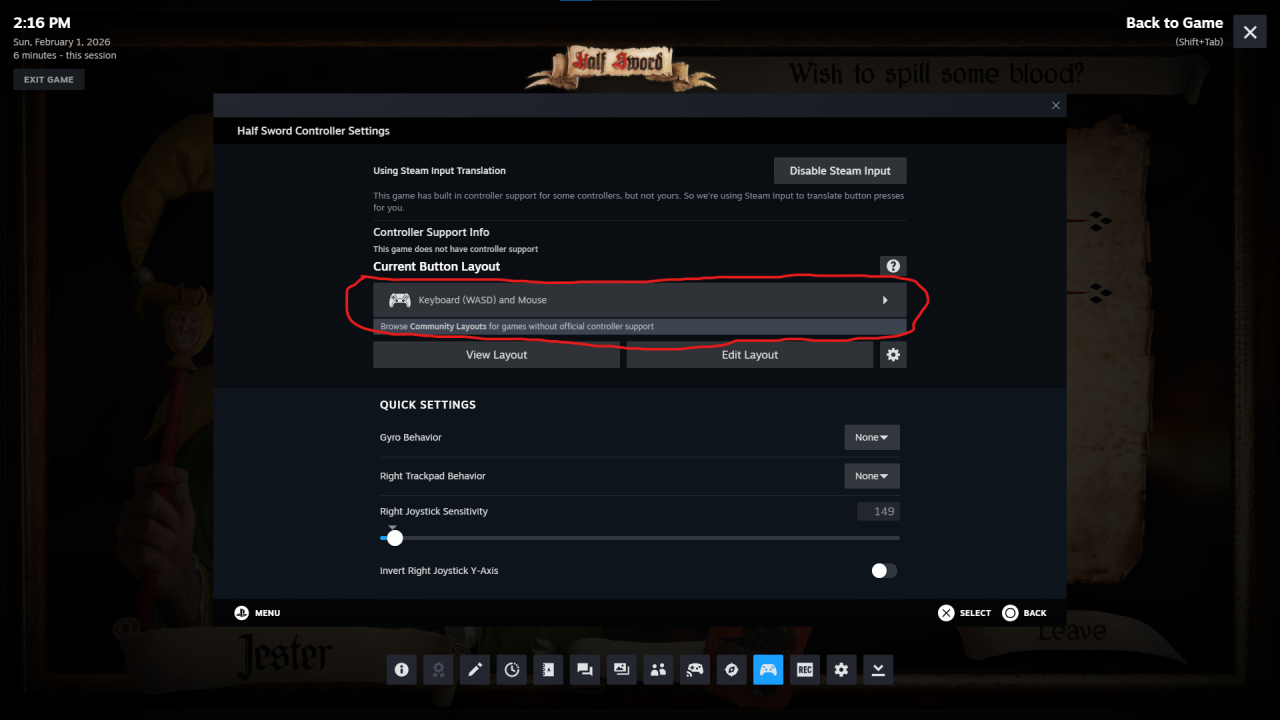
you should see a screen that looks like below, your controller is set to keyboard by default which wont work. click the arrow to the right of the circled button and proceed with instructions below
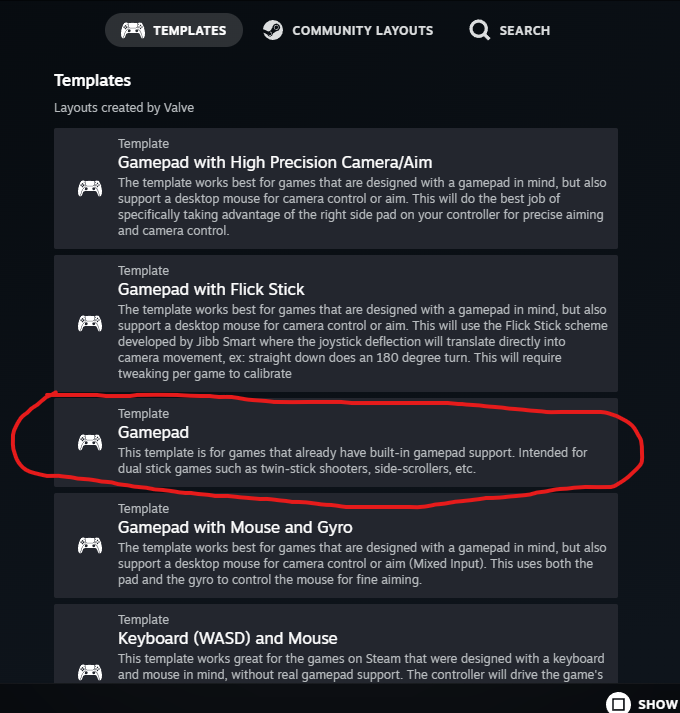
press “Gamepad” on this screen
 |
|
now press “Apply loadout” on this screen
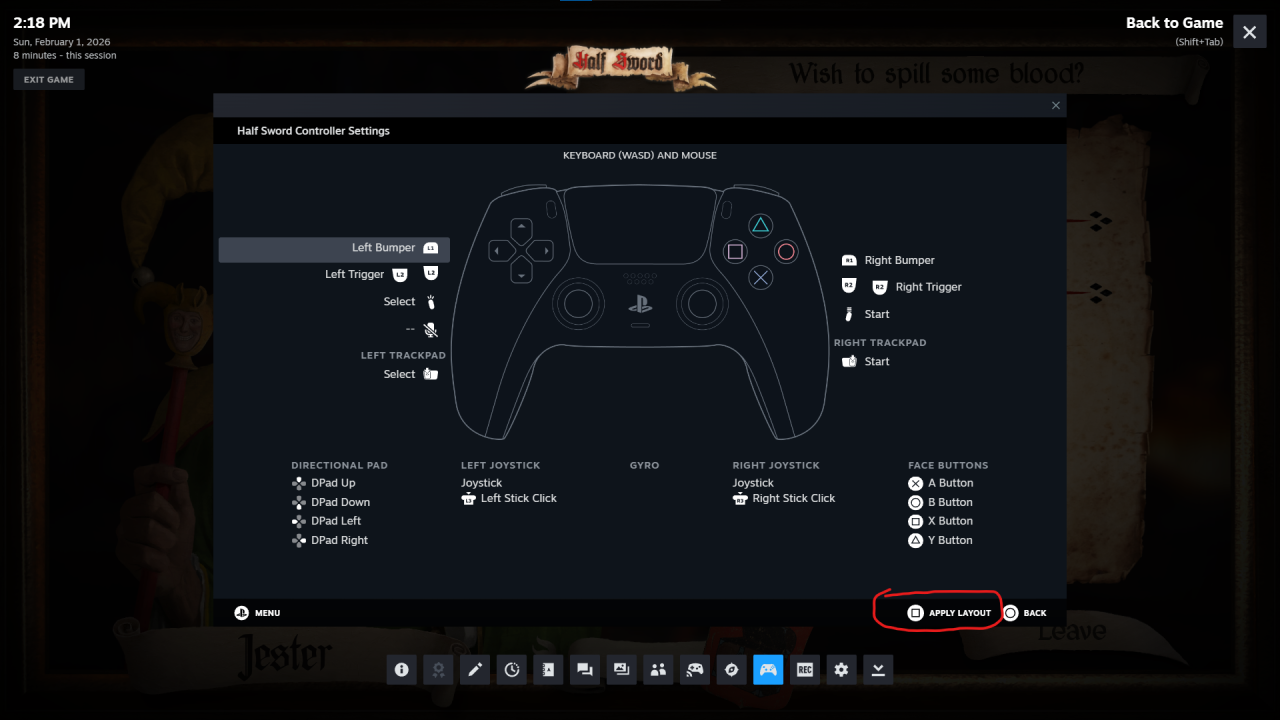
you should now be using the “Gamepad” controller template: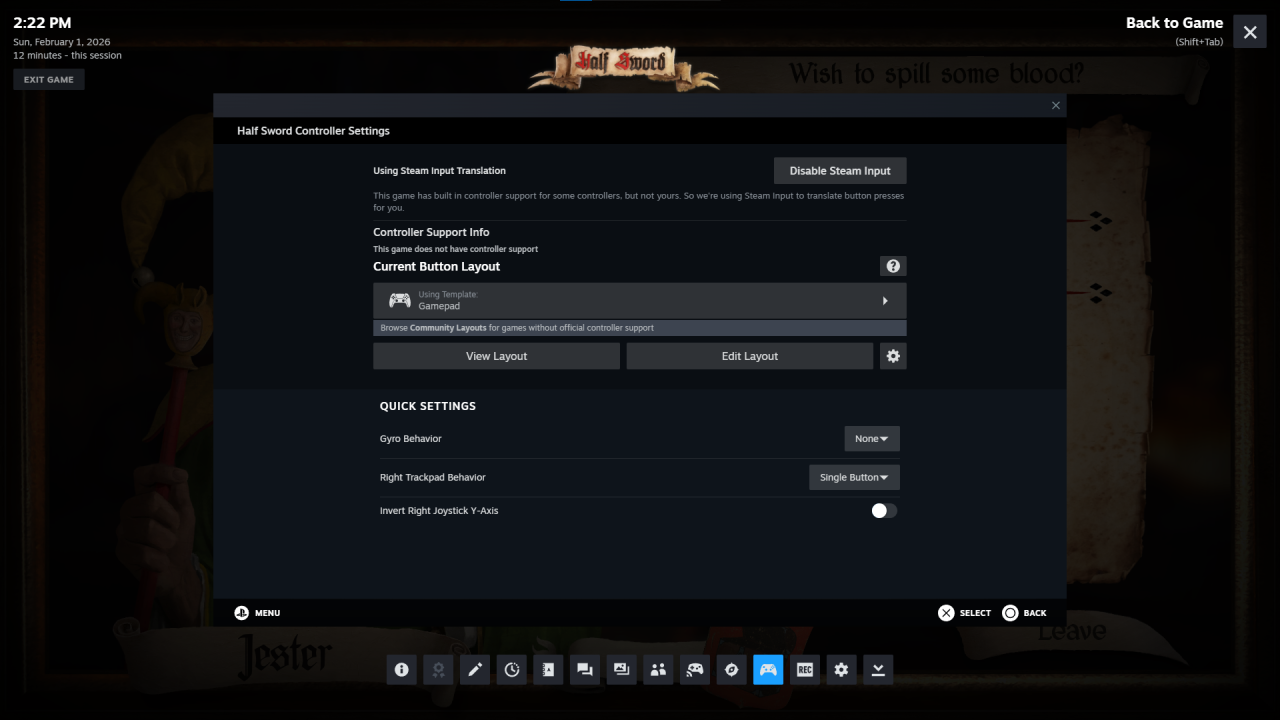
press shift+tab and return to Halfsword
free play (PVP mode)
enter free play from the menu, then talk to the jester to fight. check “split screen” as shown below:
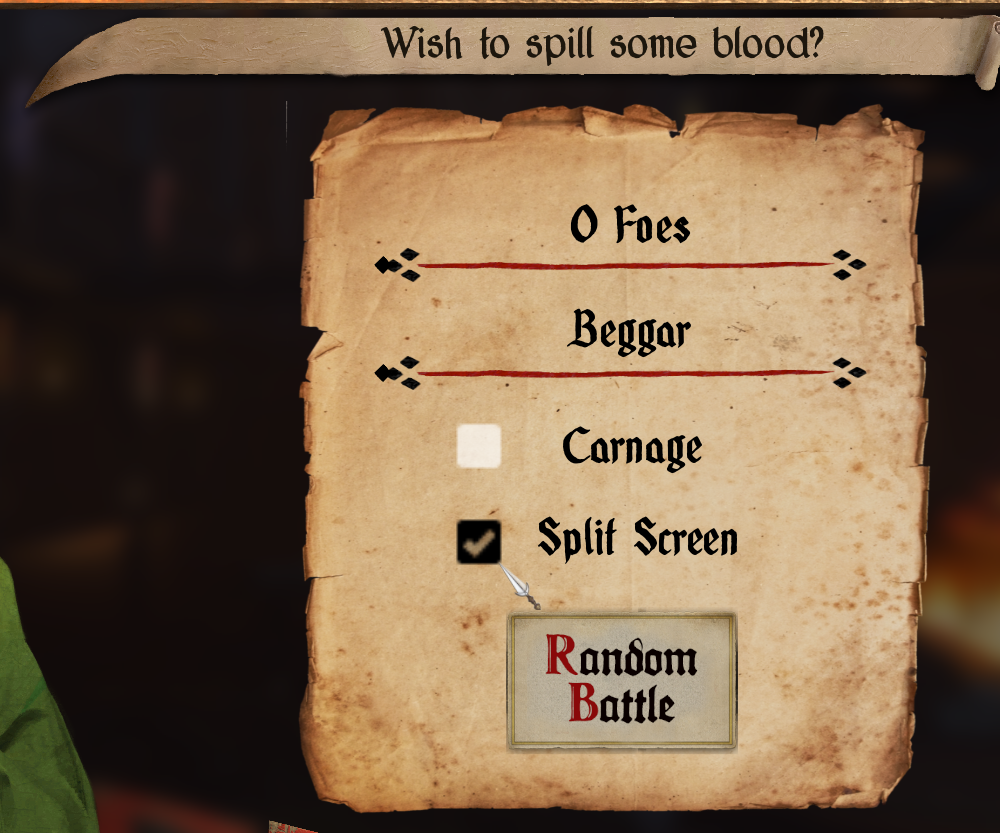
customize all other settings to your liking, then press “Random Battle”
enjoy!!
progression (co-op mode)
enter progression mode, then talk to the fencer
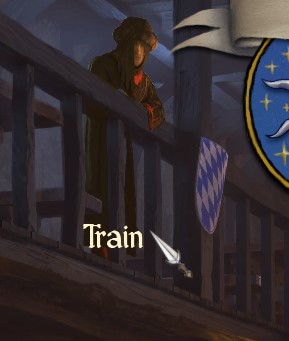
press “Hire Muscle” then hire a mercenary. this will be player 2
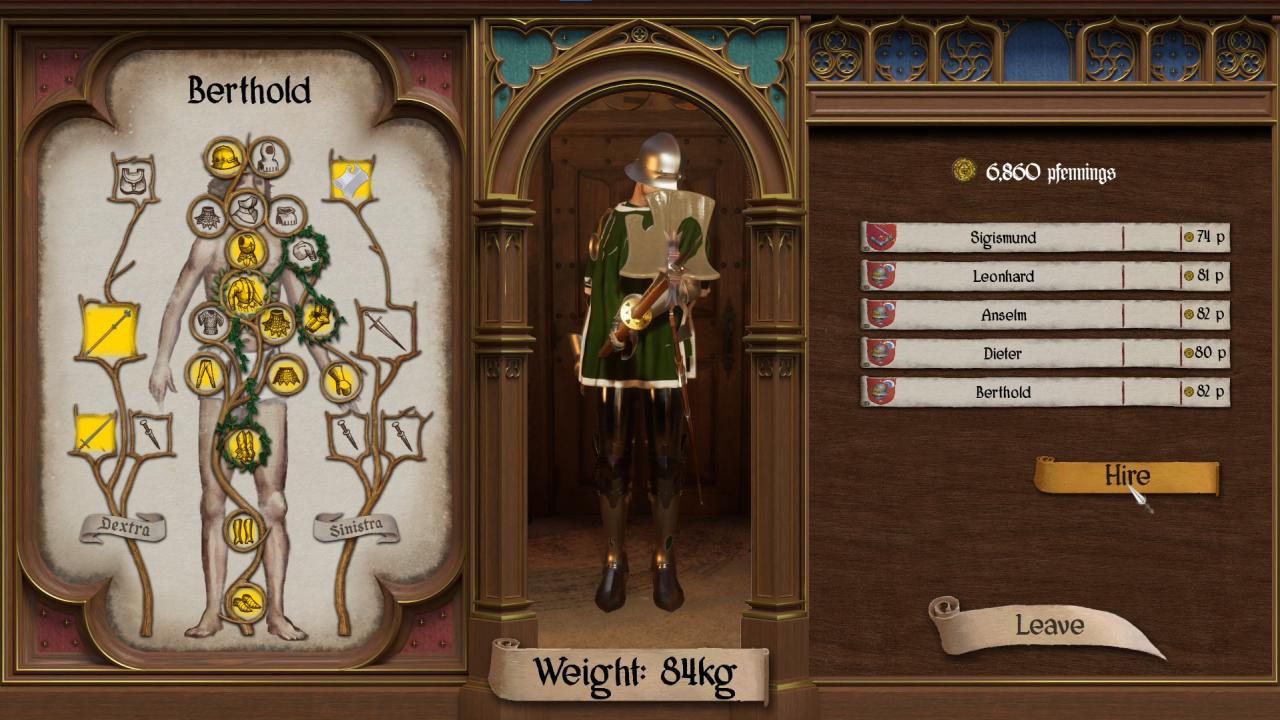
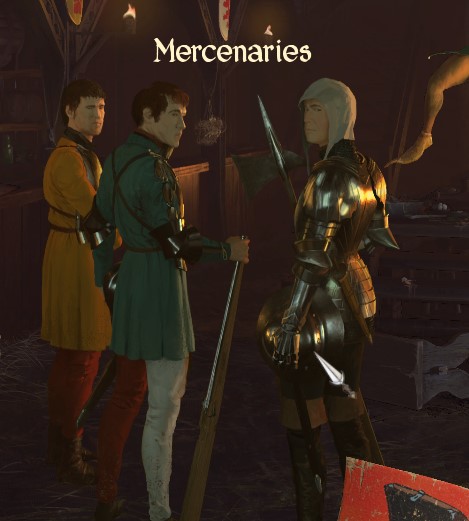
back out and talk to the mercenaries in the middle of the tavern
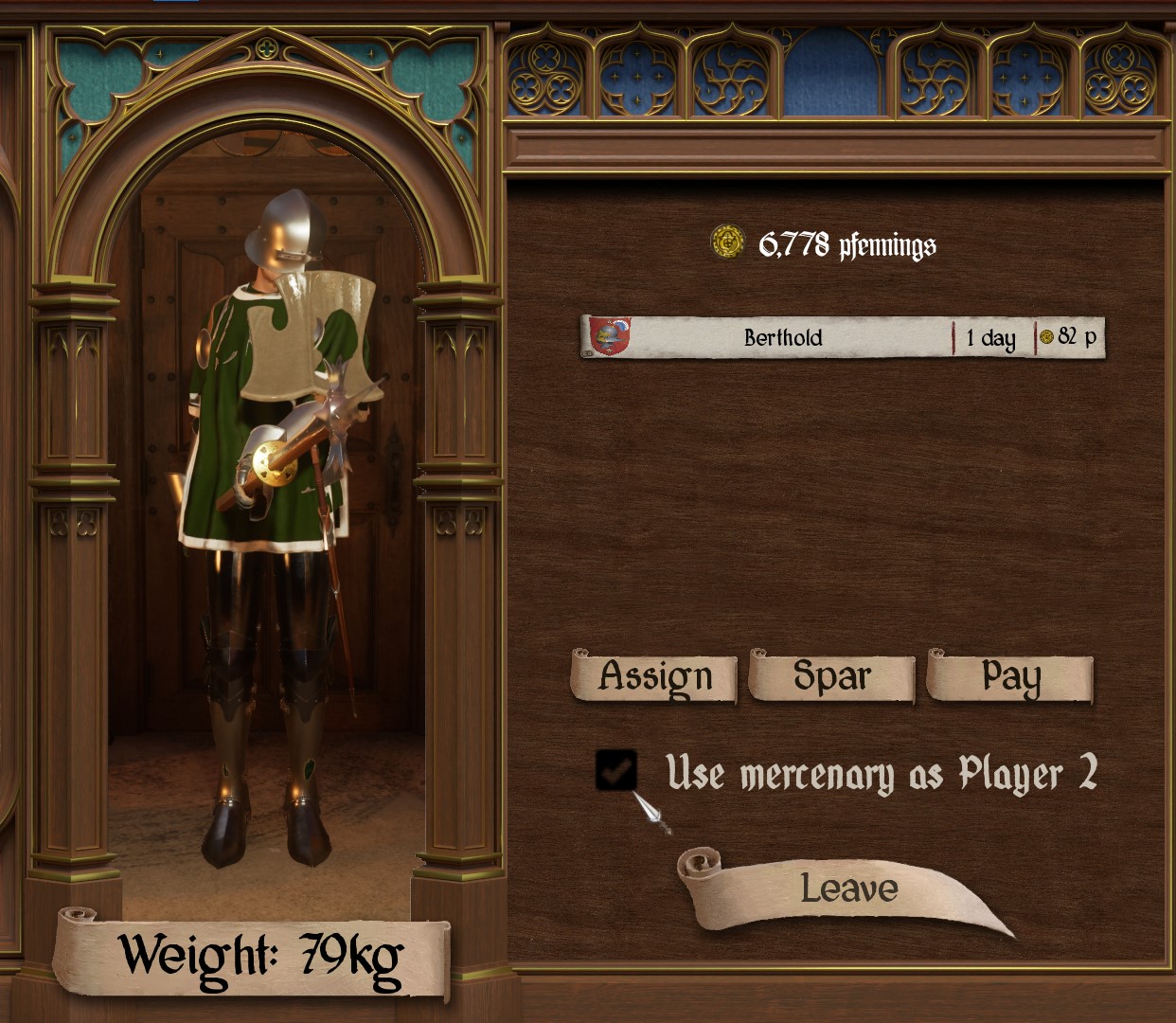
check “Use mercenary as player 2” box, and then assign them and leave
talk to the jester and enter a battle that lets you bring mercenaries to play co-op in progression mode! enjoy!!
thank you so much!!!!!!!