
Thought the game being left broken wasn’t scummy enough? Well the prices of items in game are still robbing you of mana that is already hard to acquire, but luckliy for us it can be easily modified.
How to edit your missions
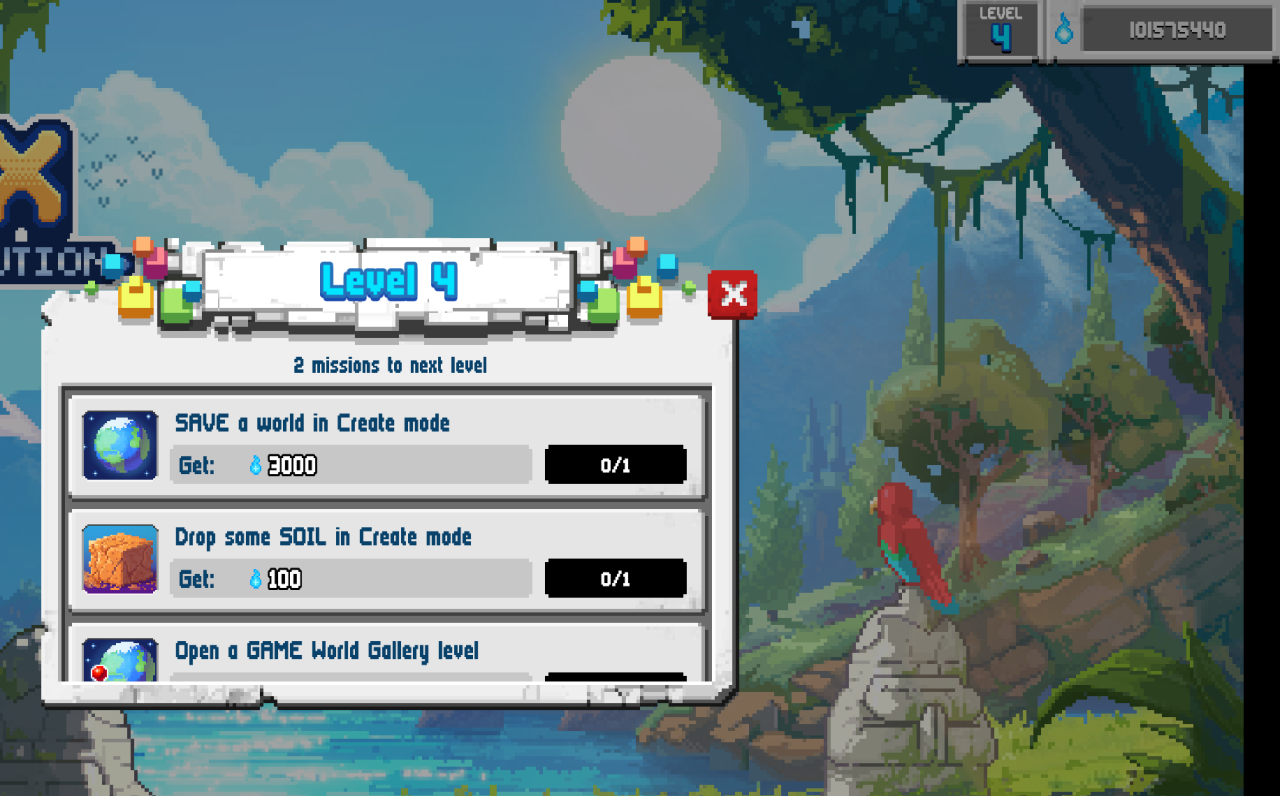
As you can see it has worked just fine.
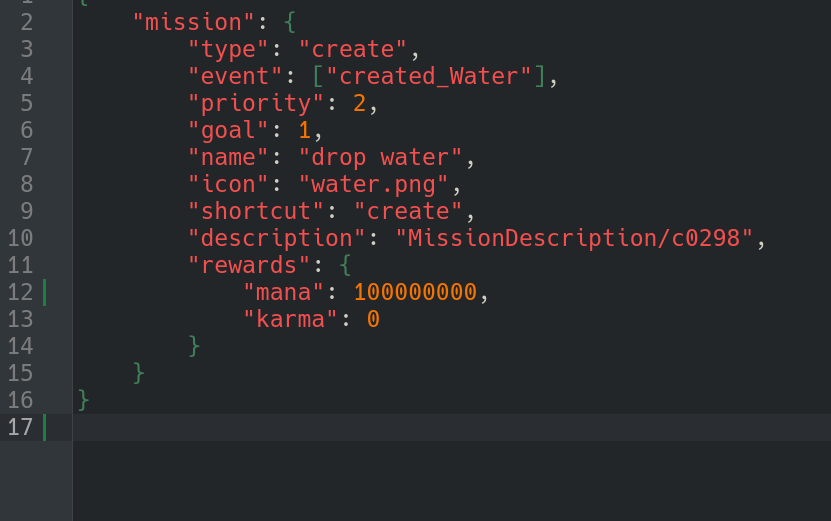
 If you’ve already completed “Drop Water,” don’t worry as this method works with any mission. Just find the line of code that grants mana and change the value to whatever amount you’d like.
Note: The mana value must always be a whole number. Decimals are not allowed. (10000 and not 10,000 or 10000.00 etc)
Also make sure it stays below 1000000000. (1 billion)
Do not set the mana reward to be higher than 2147483647 as this will cause an integer overflow.
Last words.
Also make sure it stays below 1000000000. (1 billion)
Do not set the mana reward to be higher than 2147483647 as this will cause an integer overflow.