A general guide to the game. I’ll complete this as I play.
Shop Items
 _____________________________________________________________________
 Damage: Upgrades amount of damage
that every ball hit does (when it hits a ring).
 Points: Increases the income / point gained
per ring-part breaking / ball escaping.
 Speed: Increases the movement speed of balls.
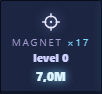 Magnet: Increases the power of your clicks, as in how
far does each click push the balls.
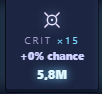 Crit: Increases critical damage chance.
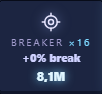 Breaker: It probably reduces ring HP or divides them into more parts to break (Not sure atm).
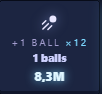 Ball: It increases amount of balls you have.
(Will be reset with prestige)
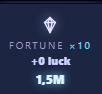 Fortune: Increases the amount of Bonus Points you gain
after parts of the rings break.
_____________________________________________________________________
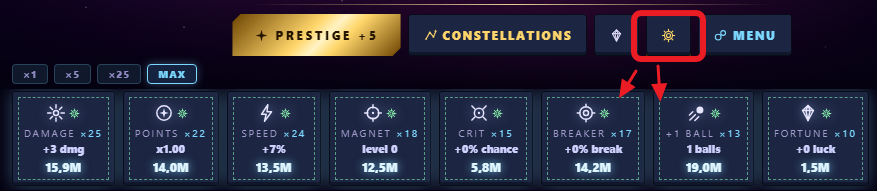
Automation is unlocked from Constellations talent tree (green ones). A button appears on the frontpage and turns yellow when activated; some green patch-lines also appear around shop items that are subject to auto-buy.
Codex, Resonance and Milestones
Located under the score indicator, Resonance is the equivalent of combo.
Located in Menu, Milestones is equivalent of achievements and they give stardust for crafting equipment.
Points and Rings
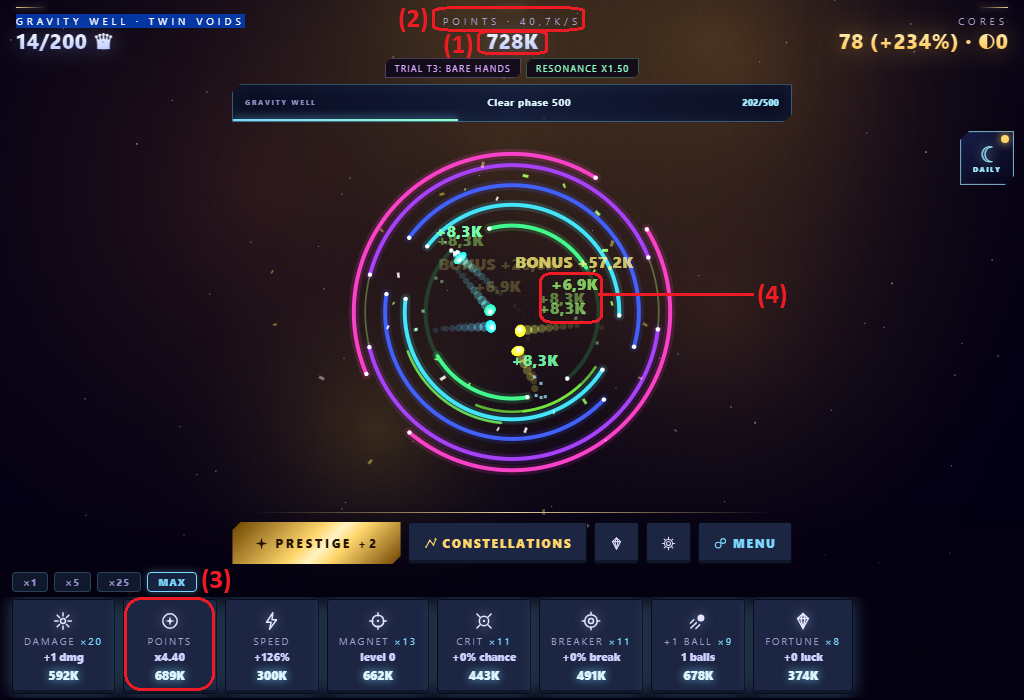
Points are the main income of the game. You gain points by breaking parts of the rings or whole rings, and also by escaping them.
The total point is shown on top of the screen (1) and the points per second indicator above that (2) is an estimate of your earning, and not an automatic generation of points out of nowhere (rings have to break to earn).
Therefore, the second shop upgrade “Points” (3) simply increases your points gained when breaking a ring.
You can see how much you earn on a break by looking at floating numbers; when a ring breaks, it loses its saturation and becomes transparent (4). The different colors of texts indicate which ring does the earning belong to, and as far as I know, it’s just cosmetic and they don’t give different earnings based on their positioning atm.
Prestige and Constellations
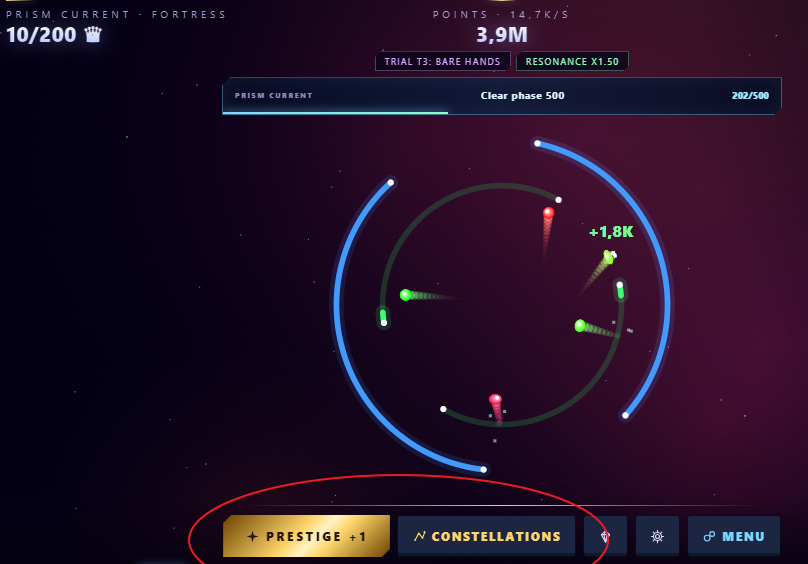
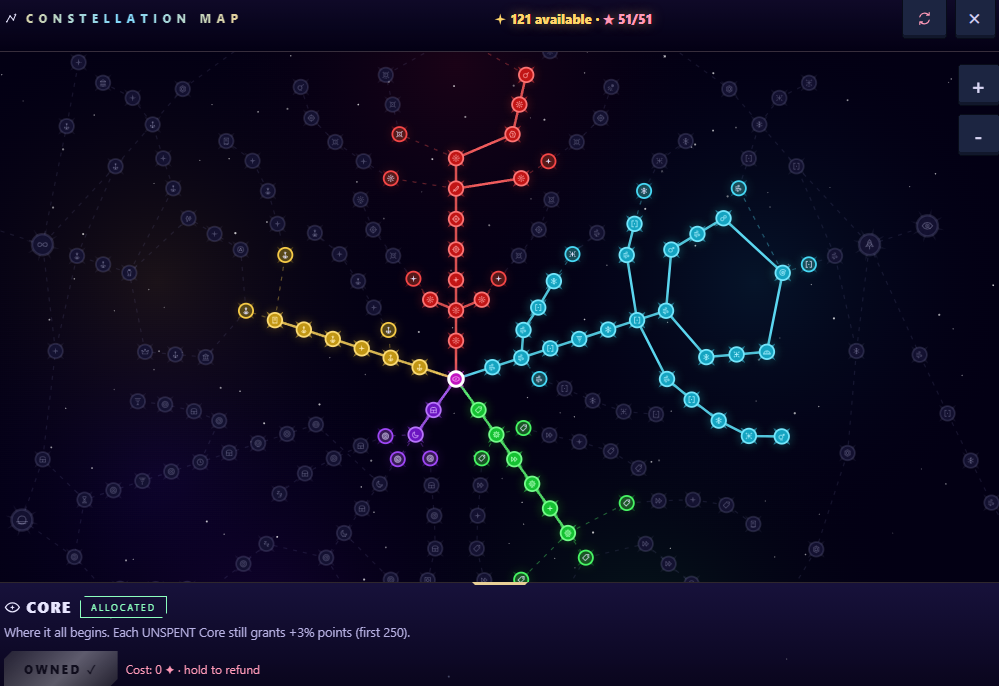
When it comes to constellation talent tree, I recommend buying red (damage) and blue (speed) upgrades, with some of the green to unlock shop automation.
While buying these, check further up the tree to find unique upgrades (For example the red upgrade named “Mass” which gives x30DMG, which is a lot compared to others) and directly click on them; If you have enough prestige points, the game will automatically buy any previous talents to reach the selected talent!
Daily Quest and AFK Mode
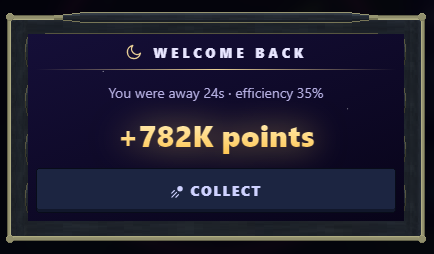
The AFK mode enables itself when you the game is out of focus for a while. It earns you points, and the amount it earns depends on your points per second; as you increase your points per second by buying more shop upgrades, it will earn a percentage of that while you are away. If you want it to earn more of it, increase the efficiency, and if you want even more points, increase the generation rate. There is also a time cap that can be upgraded.
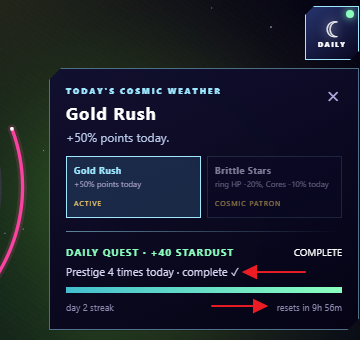
The daily quest automatically resets after a while. The time is indicated on it. It’s a good idea to look finish it before starting long runs or going away.
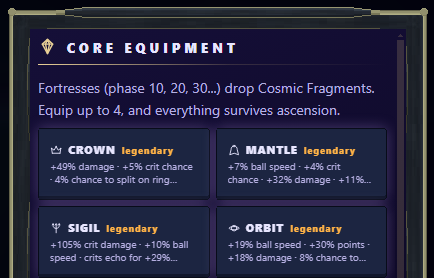
Core Equipment
They can also be crafted by yourself from the equipment tab:

I recommend paying attention to level and rarity of the equipment and equipping (1) legendary ones with higher level (3) and salvaging (2) lesser rarity equipment and crafting (4) more, so that maybe a legendary one drops.
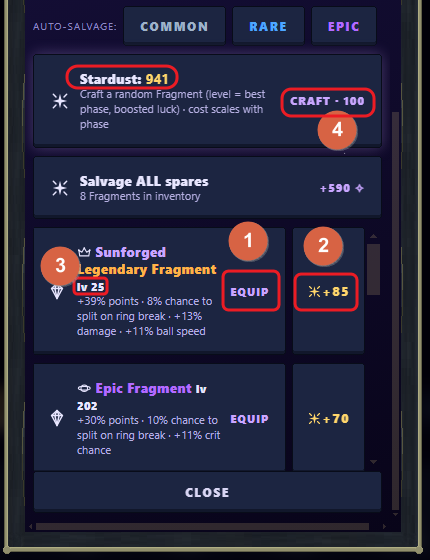
I just blindly switch the low level ones for the higher level ones for now, but I’ll probably strategize later when completing trails or more difficult tasks. The equipment currently in use will be displayed at top (There is 4):
Ascension
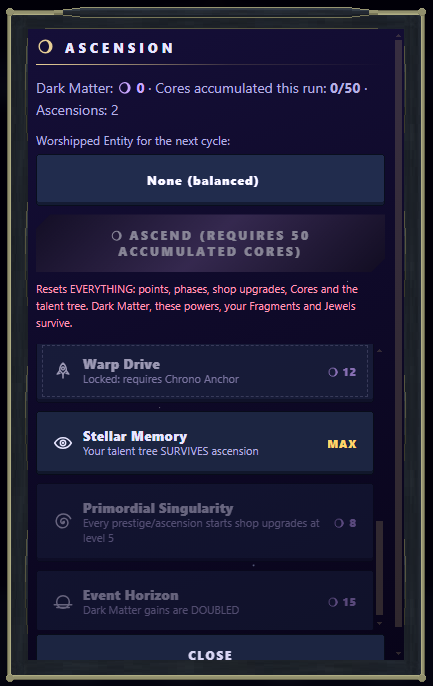
Recommended Buys
In this order:
- Stellar Memory
- Time Dilation I
- Genesis
- Antimatter, Void Echo, Cosmic Harvest
- Primordial Singularity
- Event Horizon
- Time Dilation II, then repeat, then Time Dilation II, then buy rest.
The logic is that unlocking new features and increasing speed is more efficient than brute-forcing damage upgrades.
Trials
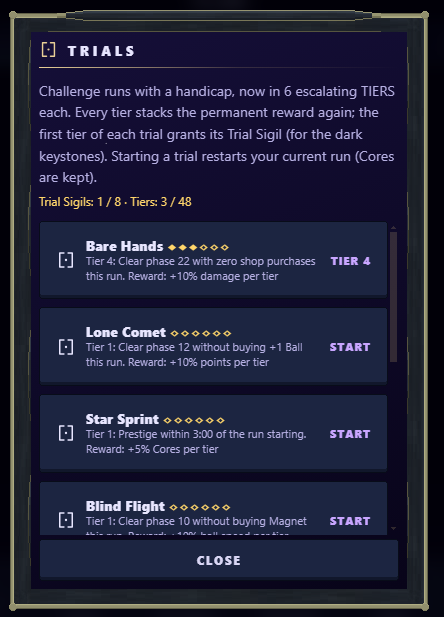
It should be easy finishing these trails with some patience. Explanations are written for each one.
You can see which trail you’re currently in, by checking the first page under the score:
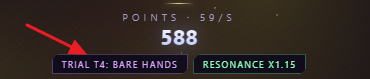
Make sure to restart the trails if you violated its terms.
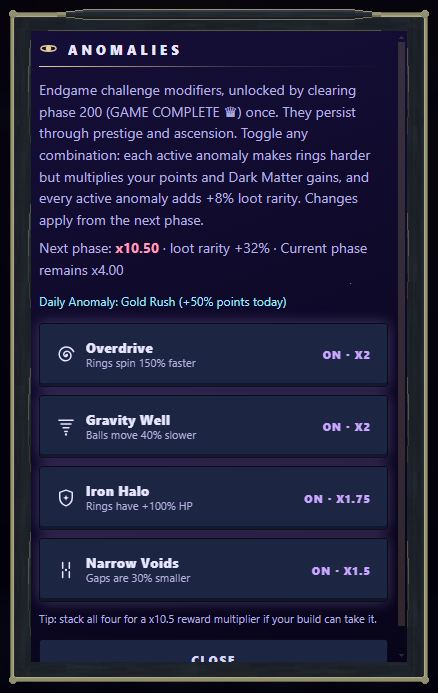
Anomalies