
So after a few minutes of looking around the interwebs and coming up short on the specific information I was looking for, I decided to look harder at what the game was showing me. I feel dumb afterwords but thought I might help someone out.
Step One
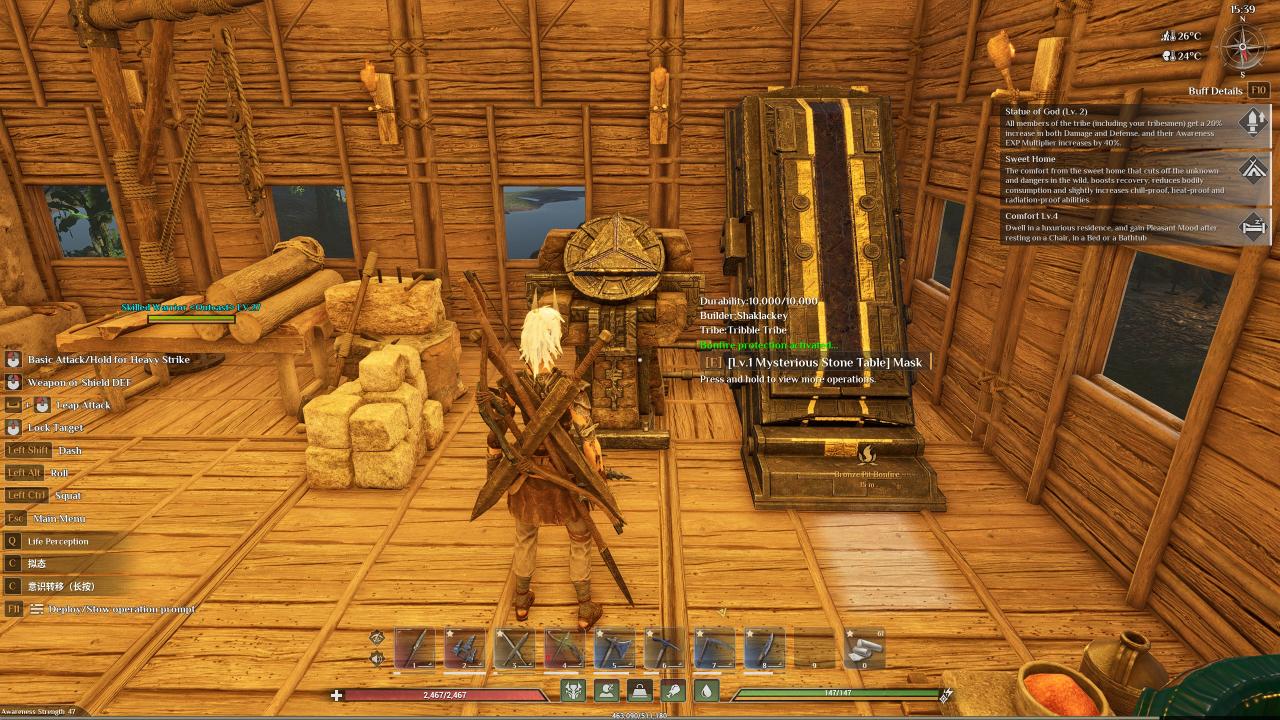
Locate Mysterious Stone Table
Either in your base or out in the wild.
Step Two
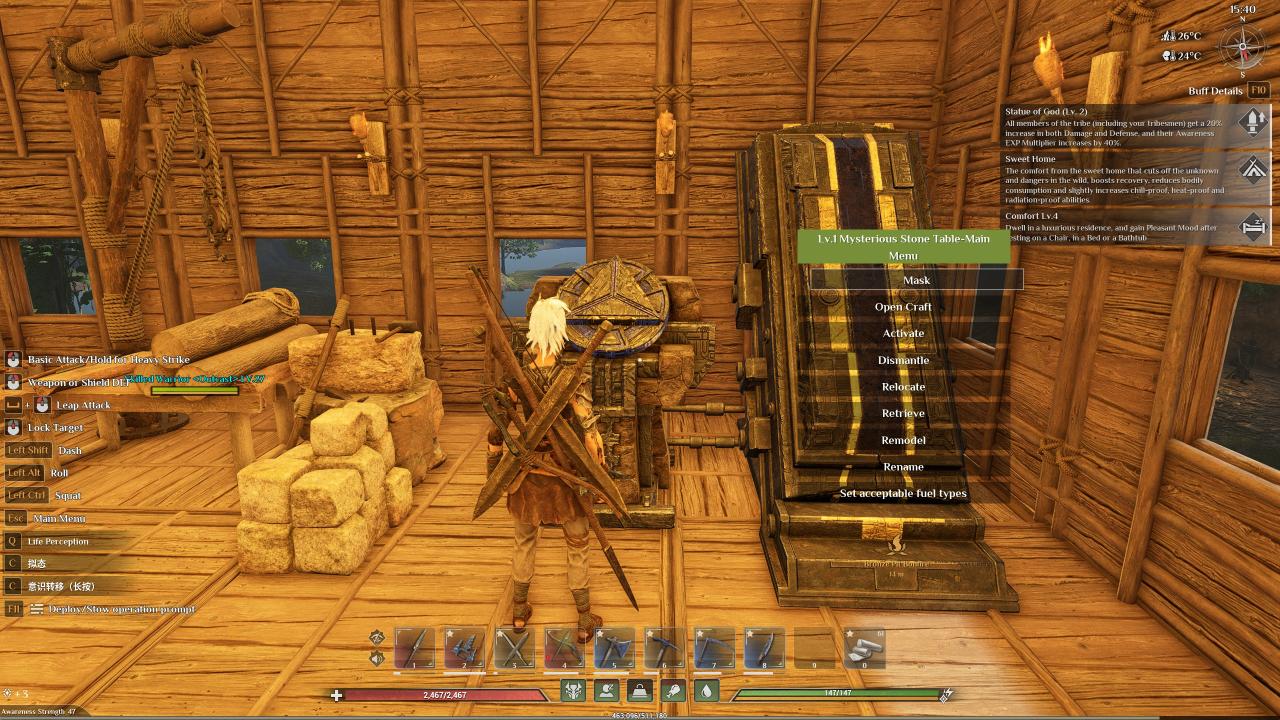
Open the “Mask” tab or just select the Table with action key “E” or if you’re on controller whichever button it prompts you to use.
Step Three
Look at the mask image. To the left and right of the image, there are 6 empty diamond shaped squares. These are the slots for Red Gems. I highlighted the slots with a fun orange circle.
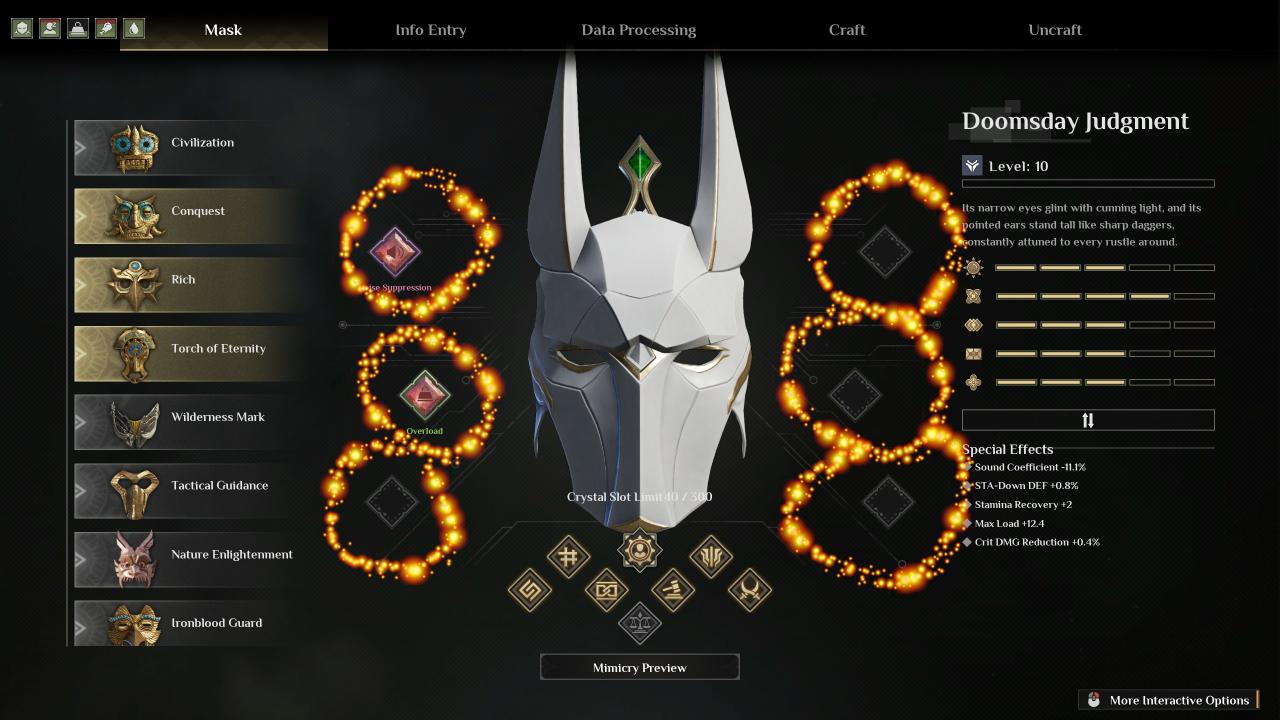
Click the slot and select your gem to insert.
Congrats, you have slotted Red Gems in your mask. Happy Gaming!